Platform story

Find the work.
Know the field.
Submit with an edge.

BIDS is the chase system for small and growing contractors — matched opportunities, early signals, award intelligence, and submission help — without enterprise pricing that assumes you already have a capture team.

01 — Find

Stop hunting portals. Start chasing fits.

Government work is scattered across agencies, states, and notice types. BIDS aggregates the stream, then ranks what belongs to your business.

Opportunities

Open work

Live solicitations and notices from federal and state sources — contracts, grants, OTAs, CSOs, and more — in one feed instead of a dozen portals.

Why it matters — If you cannot see the work, you cannot win it. Breadth and freshness matter more than another search box.
Matched

Your lane

BIDS scores new postings against your profile keywords and NAICS, then surfaces what actually fits — with an explainable match score on every card.

Why it matters — Noise is the real competitor. Matching turns a firehose into a shortlist you can act on.

Forecasts

Early signal

Forward-looking notices — agency forecasts, forecasted grants, Federal Register NOFAs/NOFOs — often weeks or months before a solicitation opens.

Why it matters — Winners start before the RFP drops: relationships, past performance, and a plan already in motion.

02 — Know

See the board before you move.

Open bids are only half the game. Awards, vehicles, competitors, and partners tell you whether to bid, team, or wait for the recompete.

Awards

Who won

See recent contract and grant awards — amounts, incumbents, and end dates — so you spot recompetes while there is still time to prepare.

Why it matters — Open solicitations are yesterday’s news. Award trails show where money already goes and when it comes back up.

Vehicles

How to sell

Understand the contract vehicles and pathways agencies use to buy — so you know whether you can bid directly, need a partner, or should pursue on-ramp timing.

Why it matters — Eligibility is not just NAICS. The right vehicle is often the difference between “we qualify” and “we cannot submit.”

Competitors

Field map

See who else is winning in your space — patterns, presence, and pressure — without building a custom spreadsheet from USASpending exports.

Why it matters — You do not bid in a vacuum. Knowing the field sharpens go/no-go and teaming choices.

Teaming

Partners

Surface credible partners for pursuits you cannot win alone — and draft outreach when you are ready to start the conversation.

Why it matters — Small businesses win more when capability stacks. Teaming turns “too big for us” into “right team, right fit.”

03 — Act

Two ways to move faster on the portal.

Same trusted company profile. Two delivery paths. Both on the Agent plan — pick the one that matches how you work.

Agent plan

Guided Portal Sessions

BIDS opens the official portal. You stay in control.

  • A secure cloud browser session on the real government site — not a copy of the form
  • Analyze the live page and map fields to your company profile
  • Sensitive values like EIN stay under your control (copy when you are ready)
  • Every fill you approve is part of a clear, auditable trail

Best when you want hands-on help inside a state or federal vendor portal without installing anything.

Agent plan

BIDS Agent

Your Chrome or Edge extension on the portals you already use.

  • Autofill UEI, CAGE, NAICS, capability statements, and more from your BIDS profile
  • Works on SAM.gov, Grants.gov, eBuy, SBIR.gov, and .gov / .mil domains automatically
  • Covers major bid platforms and all 50 state vendor registration portals
  • Minutes on paperwork instead of hours — then sign off and log the session

Best when you submit often and want form-fill on your own machine, in your own browser.

Install BIDS Agent →

See it in action

Guided Portal Session · official site, you in control
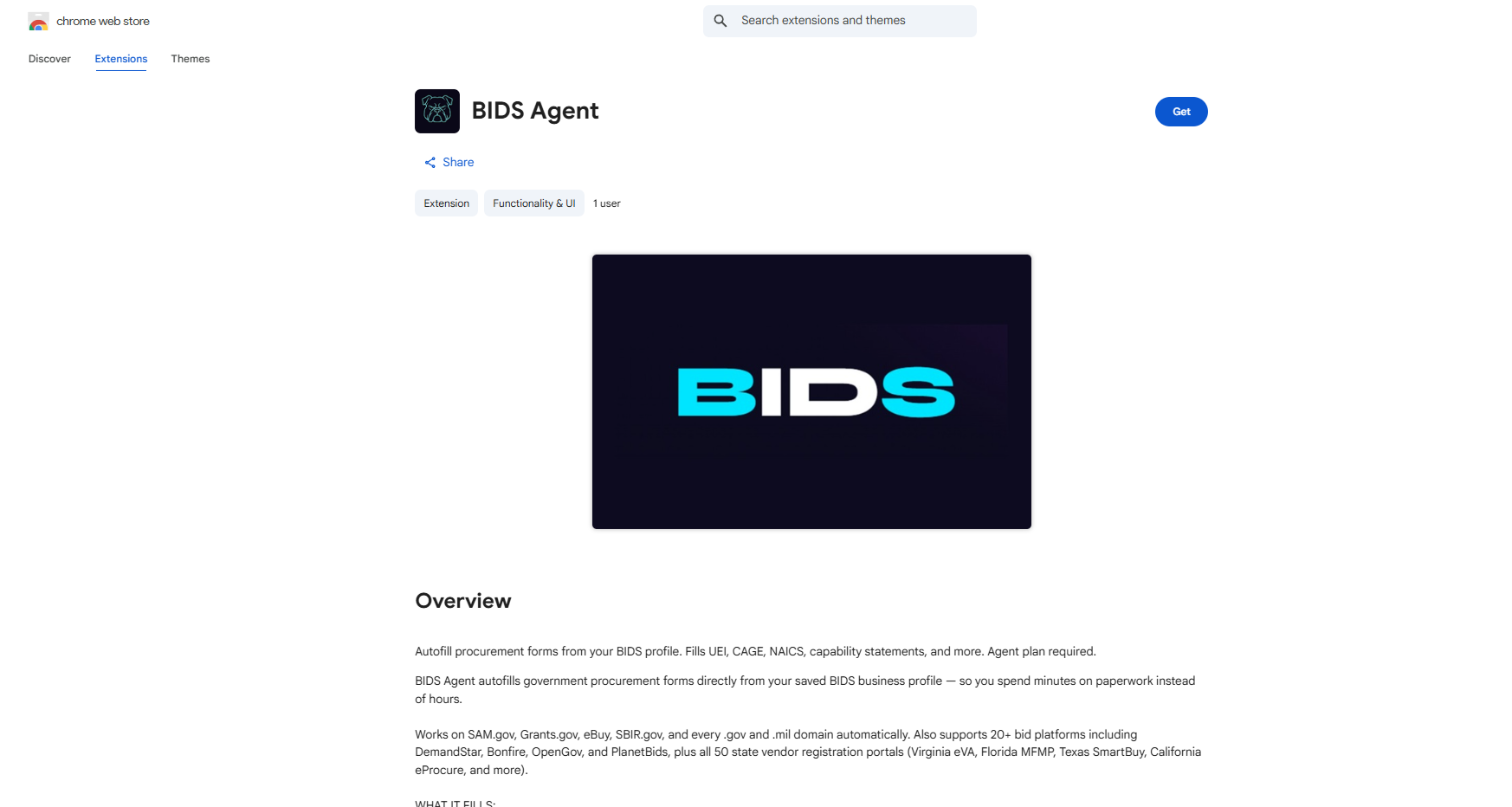
BIDS Agent on the Chrome Web Store — autofill procurement forms from your BIDS profile
BIDS Agent · Chrome Web StoreGet extension →
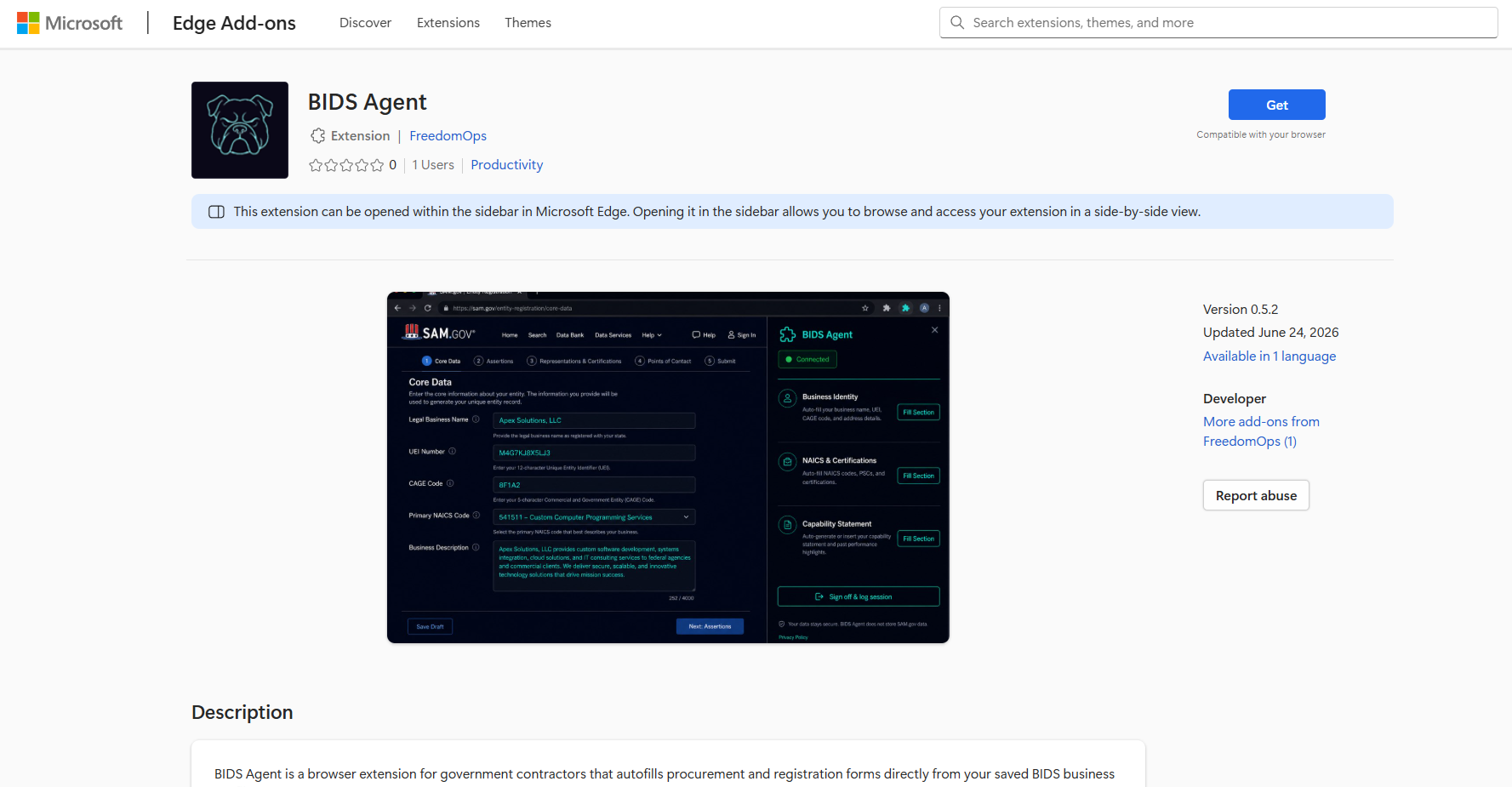
BIDS Agent on Microsoft Edge Add-ons — sidebar filling SAM.gov Core Data from your connected profile
BIDS Agent · Edge sidebar on SAM.govGet extension →

Anyone can install BIDS Agent from Chrome or Edge. Connecting your account and autofilling forms requires the Agent plan — same as Guided Portal Sessions.

Connect your account & install BIDS Agent →

Not sure which fits? Ask Support or start with Guided Sessions — no extension required.

Why BIDS

Enterprise-grade chase power. Small-business sticker.

High-end bid intel platforms often lock the best signals behind expensive seats and still leave you alone at submission time. BIDS stacks discovery, field intelligence, and portal assistance in one product — so capability scales with your ambition, not your overhead.

Discovery through submission

Most tools stop at search. BIDS carries you from “what fits?” to “who wins?” to “fill the portal and prove what went out.”

Built for operators, priced for small business

Serious multi-source intelligence and pursuit tooling without five-figure seat deals or enterprise-only roadmaps. Start free. Add speed at $10. Add execution at $49.

Federal and state in one system

Fifteen federal data feeds and almost all 50 state portals — including healthcare, K-12, and universities — so you are not paying separately for each layer of government.

You approve; BIDS assists

AI suggests. Extensions and Guided Sessions accelerate. You remain the decision-maker — with a permanent record of what you signed off on.

Choose your speed

Three paths. One platform.

Paid plans require a free BIDS account first — you'll sign in, then continue to Stripe checkout.

Questions about a specific screen? Support FAQs · Data sources · About BIDS